
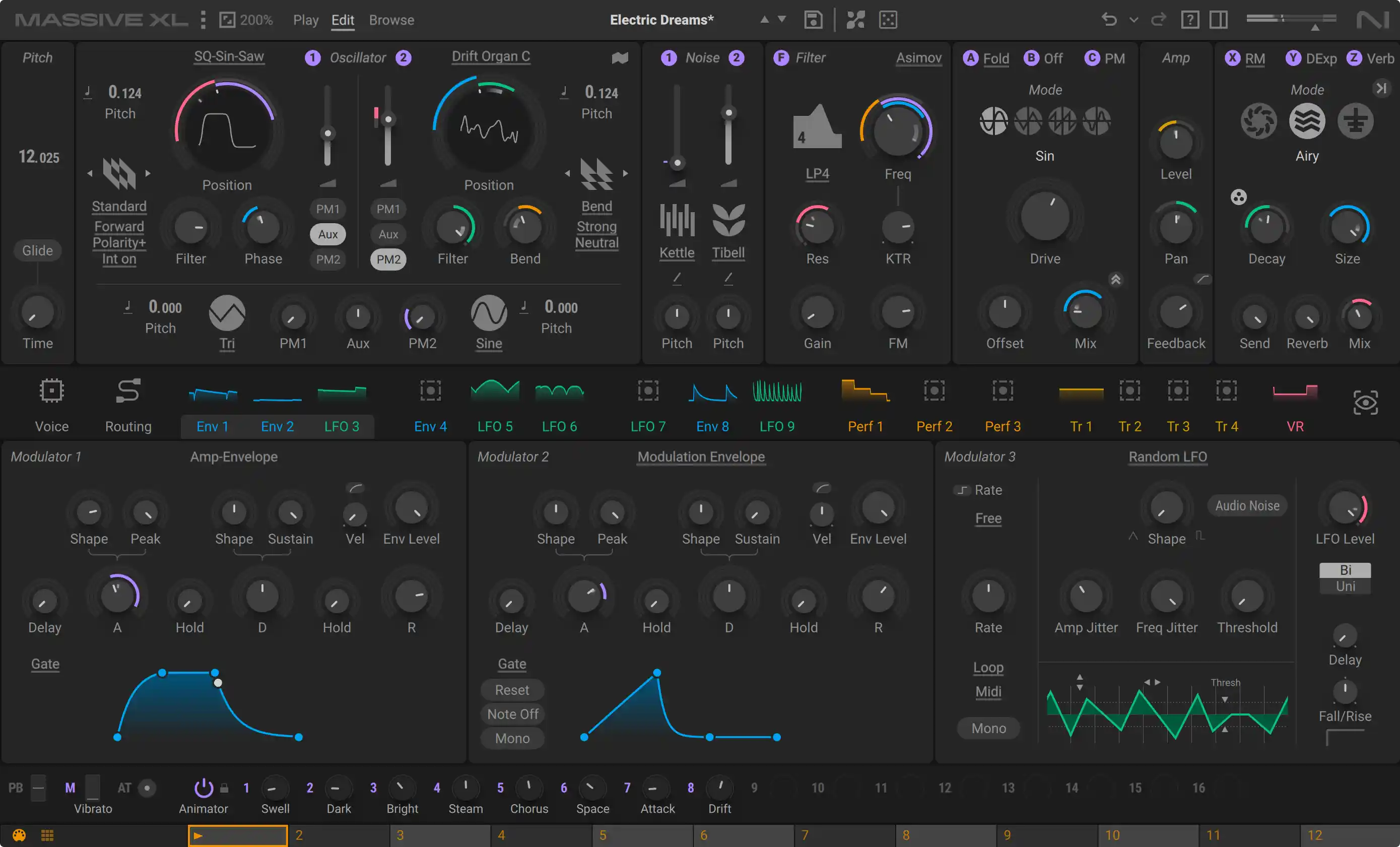
Native Instruments has released Massive XL, taking its flagship synth in a more playful direction. The big idea is simple: start with a sound you like, then find your own version of it. Audio-to-preset generation, guided mutations and imported wavetables give you several ways in without building every patch from scratch.
Turn an audio idea into a playable patch
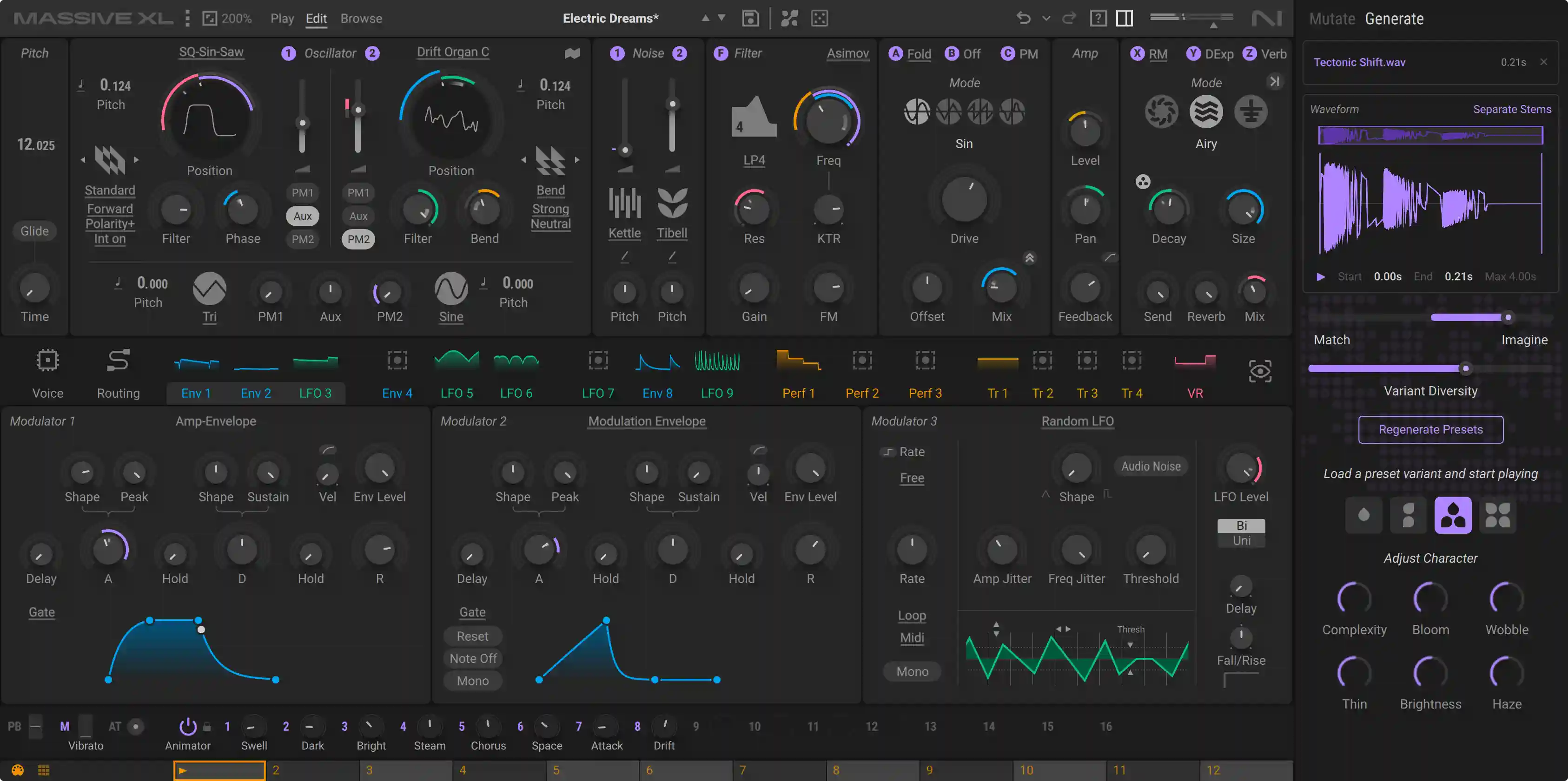
Preset Generator turns an audio reference into editable synth presets, with stem separation included. That makes a sample another starting point for synthesis, rather than something you can only chop or pitch. It is worth approaching the result as material to develop: play a different phrase, change the envelope and see whether it earns a place in your track.
Keep the good bit. Change the rest.
Mutator and Randomizer let you explore variations while locking the modules you want to keep. Morpher and Animator add performable movement, and polyphonic aftertouch gives compatible controllers more expressive control. For a bass or lead that is nearly right, the appeal is being able to try another direction without losing the part that caught your ear.
More room inside the synth
Massive XL adds more than 100 wavetables and more than 100 noisetables, alongside custom wavetable import. Raum, Replika Shimmer and Tape Wobble join the effects, while the open routing architecture lets you connect sound sources and processing in different ways. Animated modulation, draggable envelope handles, preset banks and an undo history should make that deeper editing easier to follow.
Your Massive X sounds come with you
Existing Massive X presets and Expansions work in Massive XL. That is useful if you already have a library you like: you can explore the new tools from a familiar patch. Native Instruments announced the release on 27 October; this is a new generation of the instrument, with separate full, update and crossgrade purchase options.
Before you add it to your setup
Massive XL runs as a plug-in rather than a standalone app. Check the published system requirements and compare the full version with the eligible update or crossgrade before buying. Our product page brings the interface screenshots, feature details and current regional pricing together, with a direct route to Plugin Boutique.