Loopcloud has released version 8, bringing a bigger change than a fresh interface. The update connects idea generation, musical sample matching and descriptive search, with new ways to begin a track or fill the gaps in one already underway.
Loopcloud 8: what is new?
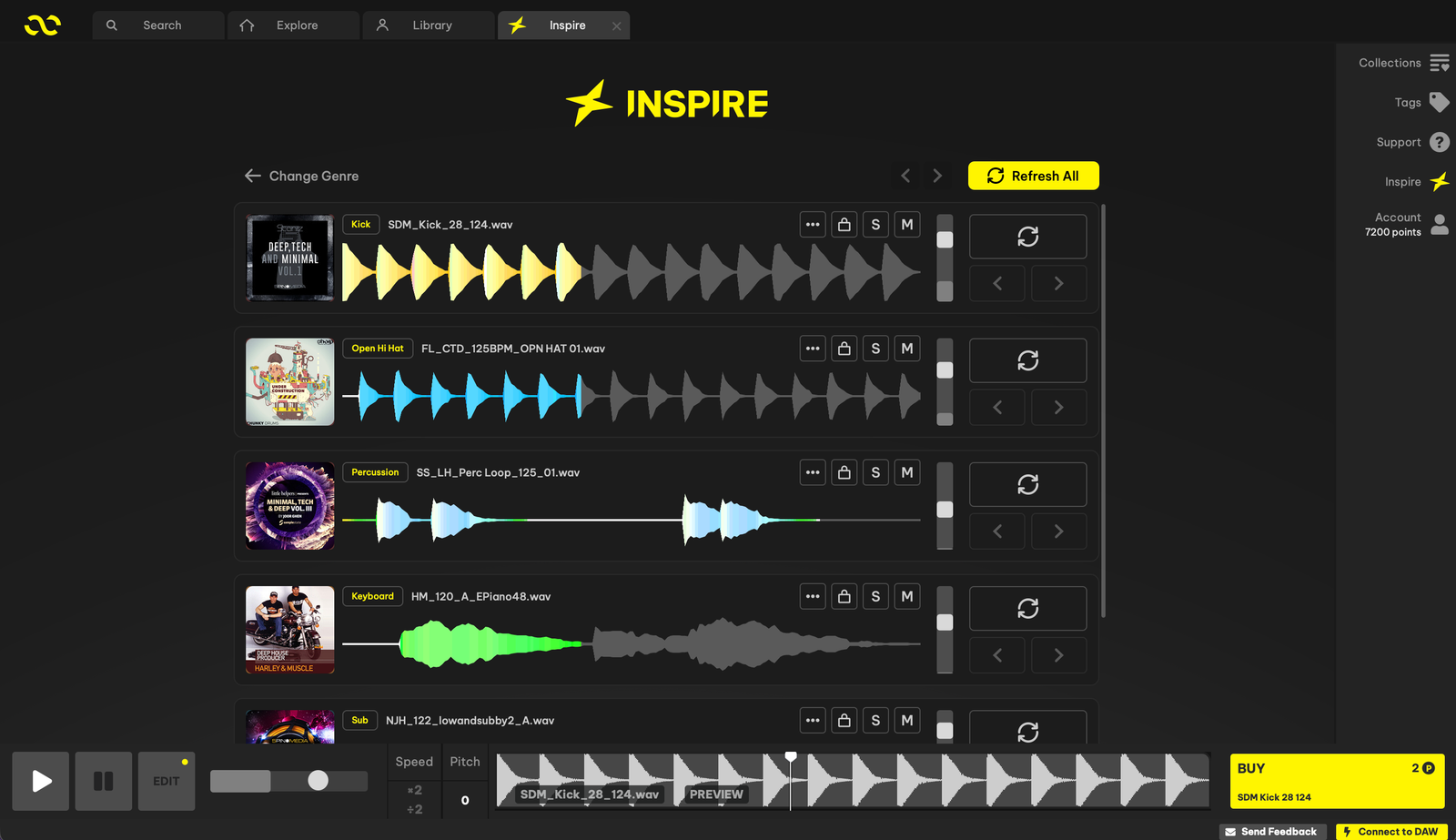
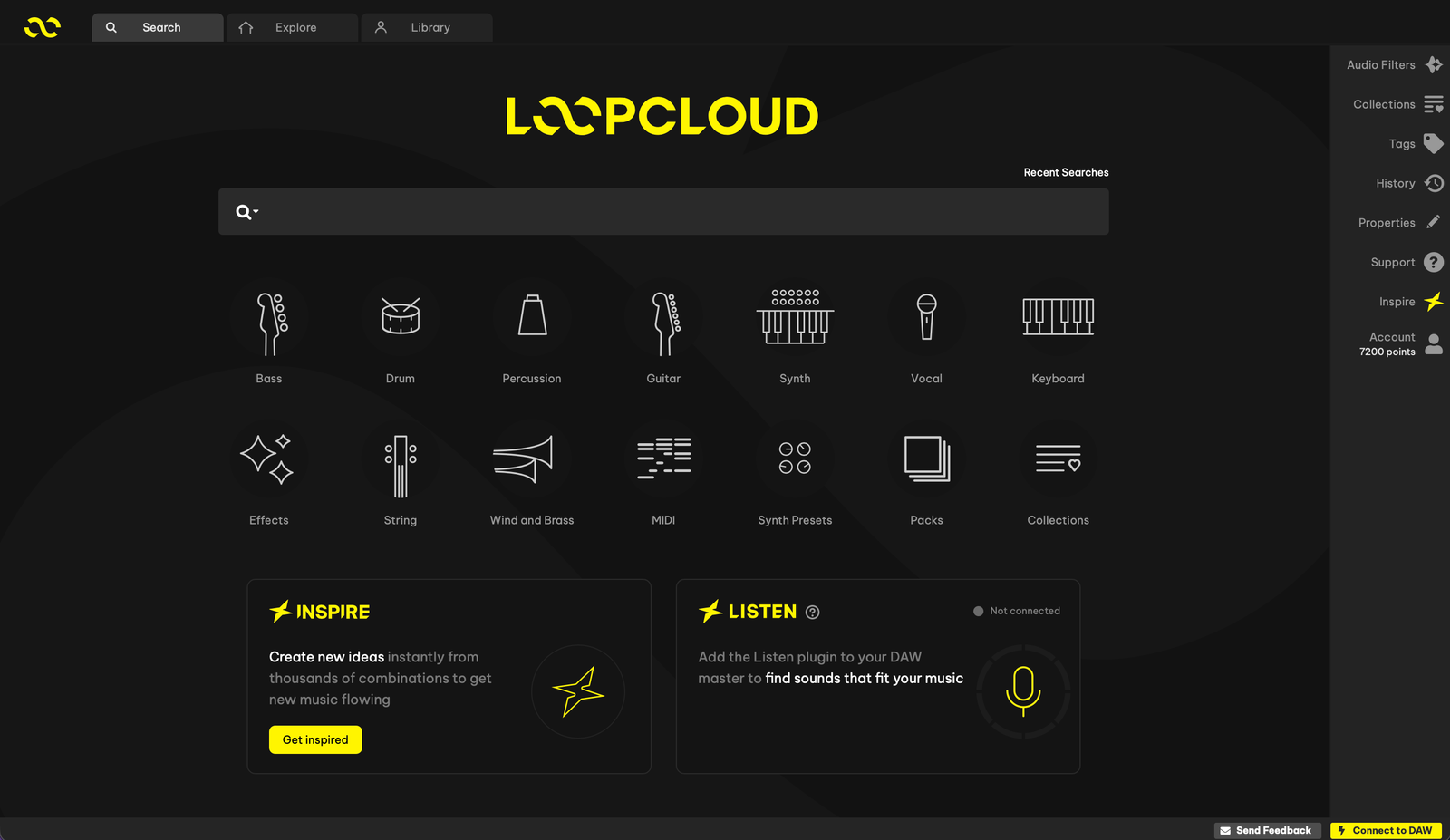
Loopcloud 8 is available now, with an official launch overview published on 22 October. Its biggest shift is from browsing individual files towards finding combinations that make musical sense. Inspire starts with a genre; Listen starts with your existing track; Advanced Search starts with the words you would use to describe a sound. Together, they give producers several routes into the same library, including sounds they already own.
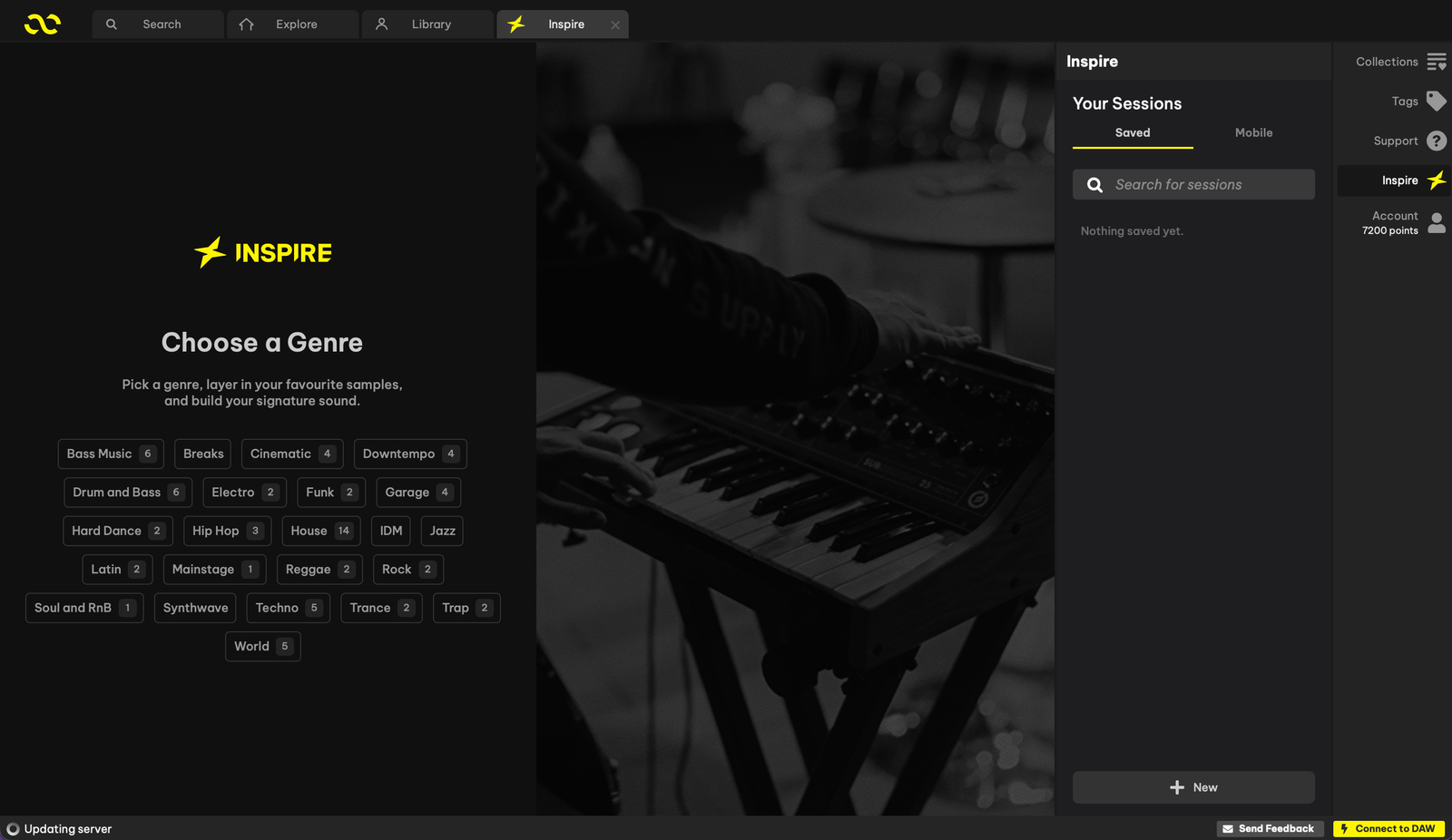
Inspire builds the first spark
Choose a genre and Inspire assembles a starting idea from compatible samples, chords and drums. You can change the key and tempo, replace individual sounds and try another combination. The distinction matters: this is a way to explore source material, with arranging and creative decisions still left to you. For producers who collect loops but struggle to turn a blank session into a direction, that is the feature with the clearest appeal.
Listen finds sounds for a track already underway
Listen works through a plugin in your DAW alongside the Loopcloud app. Play your project and it analyses the audio to suggest compatible material. Where Inspire asks what you might make, Listen asks what is missing from something you are already making. It could be particularly relevant when the drums and harmony are established but the arrangement still needs another texture or melodic part. Suggestions remain starting points to audition, rather than a guarantee that every result belongs in the track.
Advanced Search and harmonic matching
Advanced Search understands descriptive phrases rather than relying only on exact tags. You can describe a tone, mood or musical reference, then narrow the results. Harmonic matching uses Loopcloud Intelligence to consider chord changes and sample positioning; it can work with imported sounds as well as the Loopcloud catalogue. That makes this release relevant to producers with years of downloaded sample folders, not only those starting a new subscription.
Flip grows to 2,000 presets, with five new effects
The existing Flip tool now has 2,000 presets, doubling its previous collection of sample transformations. These offer different ways to rearrange and process source material before it reaches your DAW. Five added effects cover rhythmic gating, tempo-synchronised looping, utility processing, chorus and bit reduction. TranceGate supplies step-sequenced gating with swing and randomisation; Looper adds synced repetitions; Utility combines gain, pan, width and mono-bass controls. Chorus and Bitcrush offer contrasting routes towards width or digital grit.
MIDI, PLAY and DRUM also move forward
The release overview describes a MIDI library of more than 100,000 files, including around 8,000 drum files, with six new kits and additional melodic instruments. PLAY gains sample import and five effects, so your own recordings can become playable material. DRUM’s pattern generator now uses instrument and genre tags when proposing rhythms. These are separate improvements to the bundled instruments, rather than extra modes of Inspire.
A new iOS app takes ideas outside the studio
Loopcloud’s first iOS app brings browsing, previewing, collections and Inspire to mobile. Collections sync with your account for use back at the desktop. It does not replace the DAW-dependent Listen workflow. Android is described as in development in the creator overview; no Android release date is confirmed there. The useful promise is continuity: collect an idea away from the studio, then return to the same material when you sit down to produce.
Subscriptions, updates and where to explore next
The launch materials also describe Producertech course access and up to 12 partner plugins per year as subscription benefits. Eligibility and the available gifts can change, so use the current plan details for those decisions. Existing users can update their desktop app; new users can explore the service through the current trial offer. Our Loopcloud page brings the platform, screenshots and plan links together in one place.