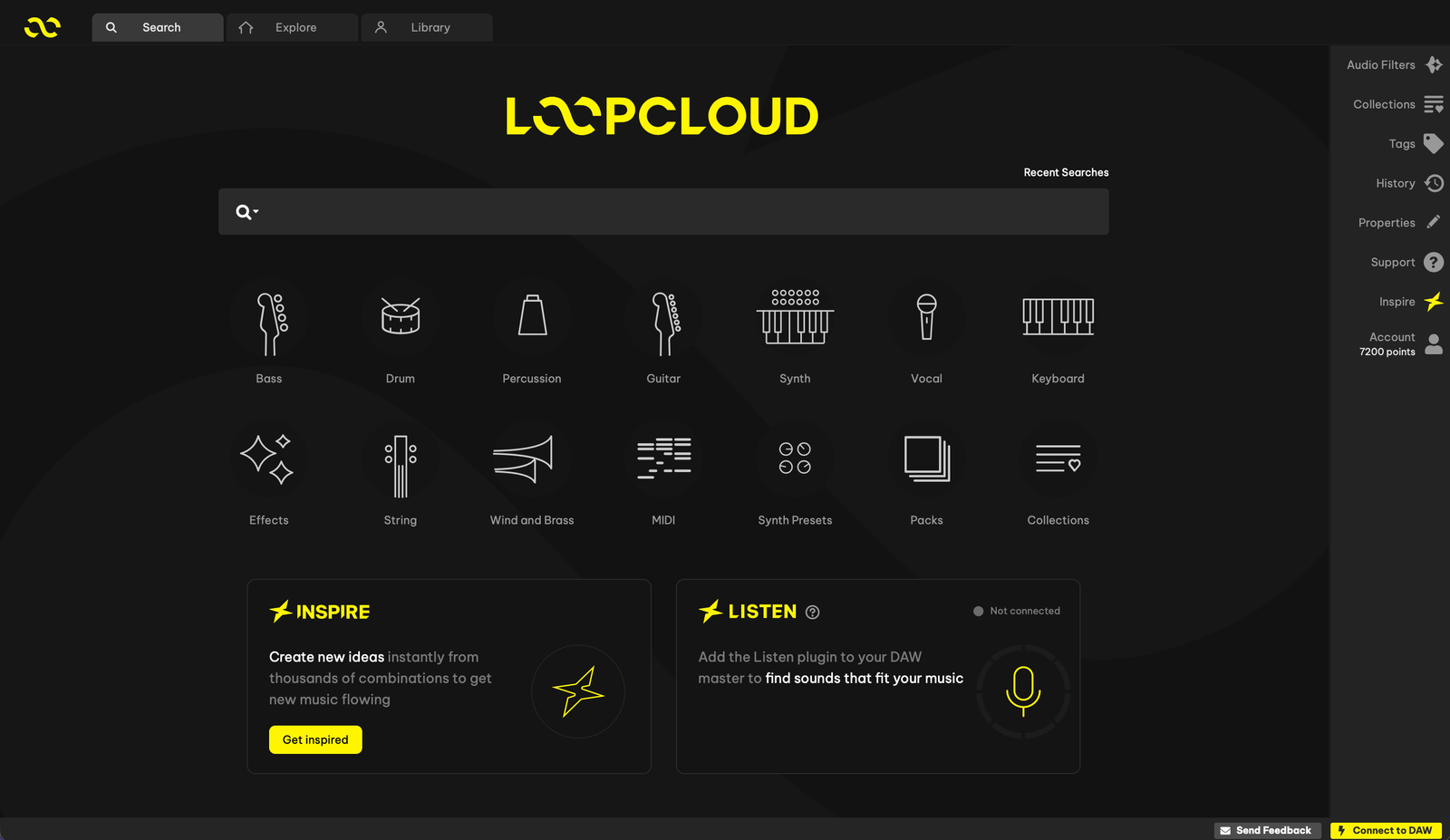
Two weeks is enough time to put a new workflow through a real session. Loopcloud’s 14-day free trial gives you a chance to explore its sample-editing tools, effects and instruments before deciding on a subscription. Here is what the trial email offers, what to try first, and the billing details to check when you sign up.
What’s included in the 14-day trial
Loopcloud’s 5 November email offers a 14-day free trial of its full toolkit, including previews without an audio watermark. It highlights Flip and effects, collections and saved searches, DRUM and PLAY, and listening and matching tools. Treat that as a chance to explore the workflow with a project open, rather than collect more software.
Your account and the signup screen confirm trial eligibility and the tools available during your trial. Access to the tools and the number of sounds you can download are separate things: check the trial’s actual points allowance before choosing samples.
See the current Loopcloud trial ↗Start with one unfinished idea
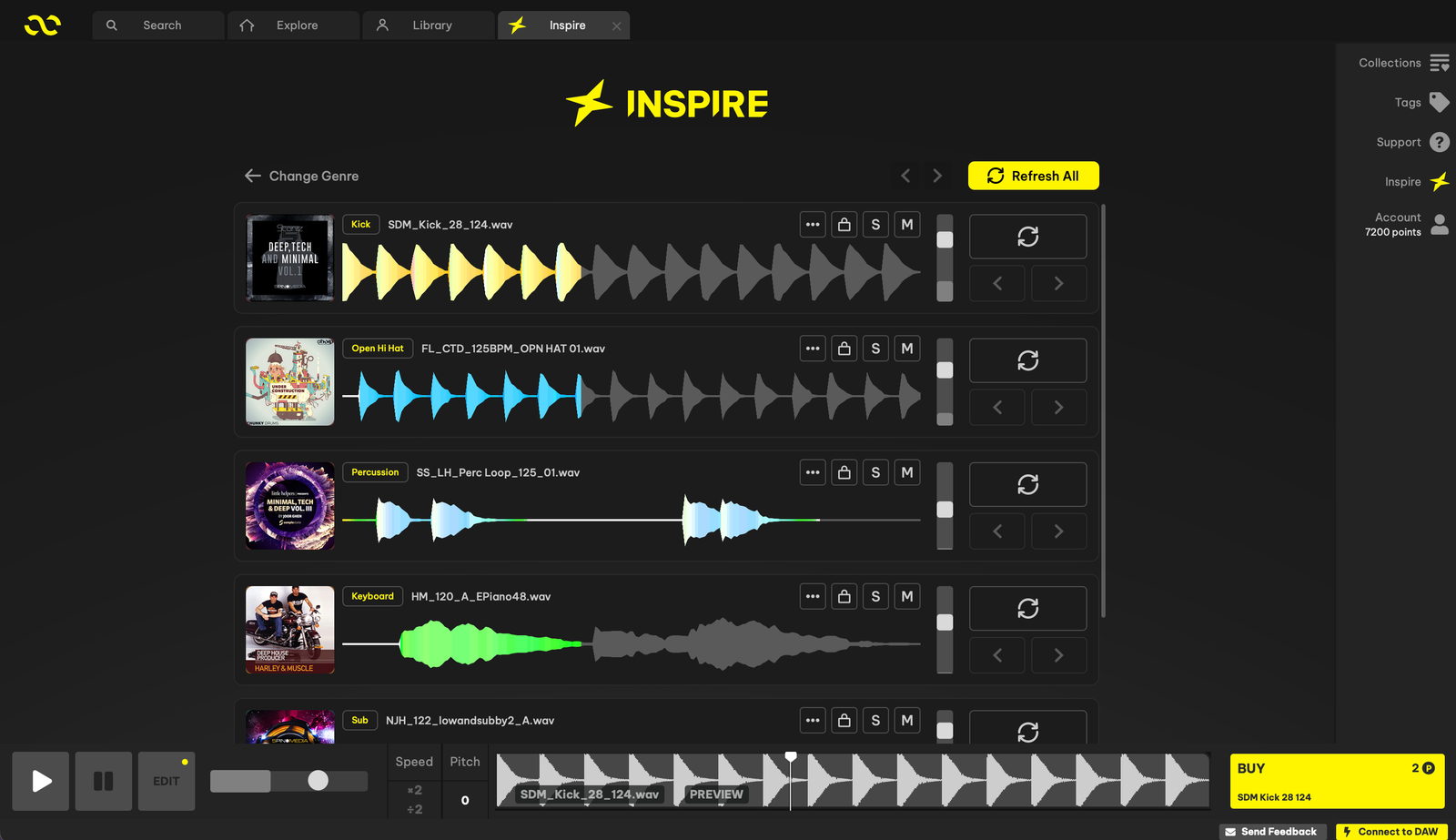
Pick an eight-bar sketch that needs something specific: a percussion layer, a bass sound or a contrasting texture. Keep the tempo and key of that project in view. Search for a part that fills that gap, then audition it against the music you already have.
See how far one sample can go
The email points to Flip for rearranging, reversing and reshaping a sample, with Looper, Chorus, Bit Crusher and Transgate among the effects to explore. Try one straightforward drum loop, change a short section, and compare that variation in the track.
Keep the version that serves the arrangement. You might use a reverse at the end of a phrase, a gated texture under the drums or a simpler edit with a little space around it. The point of the exercise is to see whether these controls make a useful change quickly.
Make the next search easier
Collections and saved searches are another part of the toolkit promoted in the email. Use a collection for sounds shortlisted for the same track. Save a search that reliably finds the sort of percussion, bass or atmosphere you reach for.
Try DRUM and PLAY with a musical job in mind
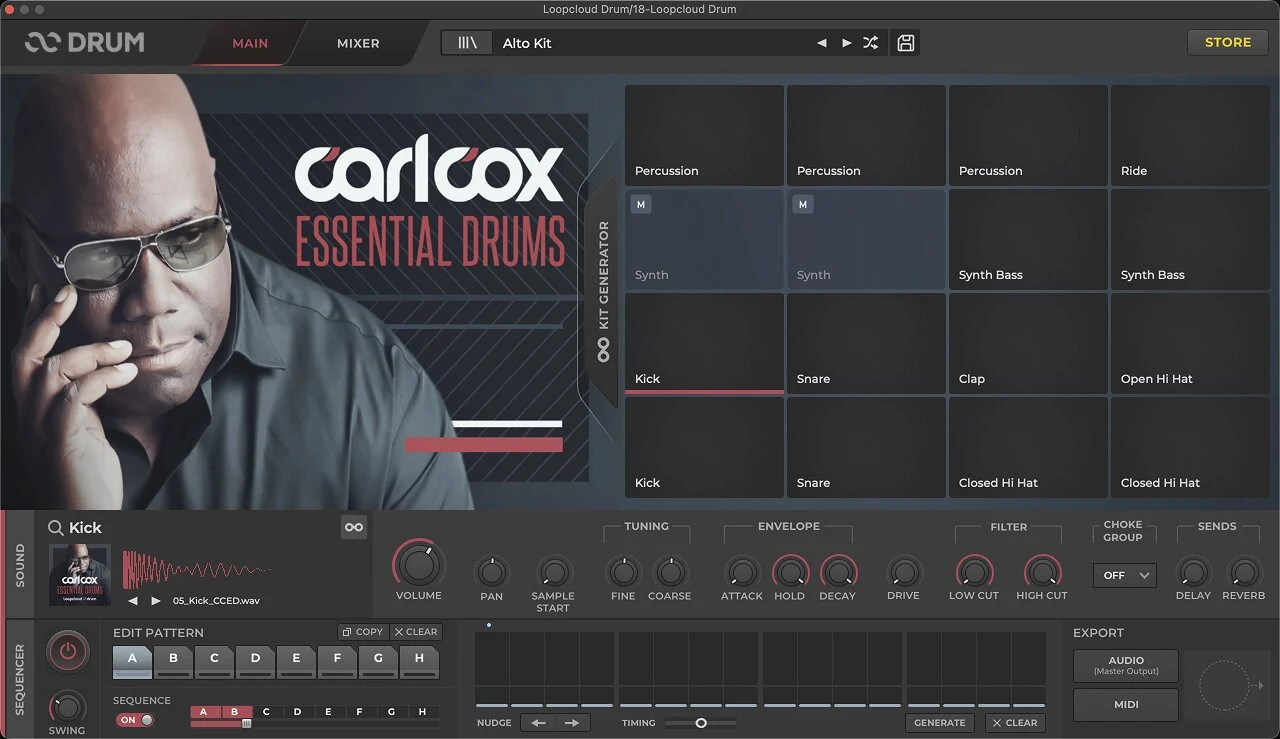
Loopcloud describes DRUM and PLAY as instruments included with its subscriptions. DRUM is built around pads, kits and sequencing; PLAY turns sample-based sounds into playable instruments. Start with whichever matches the missing part in your sketch.
For a wider look at discovery, matching and the app, see our Loopcloud overview. The Loopcloud 8 announcement covers the release itself.
Check downloads and billing before you start
Paid plans use points for sounds, and their download and storage allowances differ. The published monthly plan allowances are not a promise of the same allocation during a trial. Confirm the trial points, eligible content and any charge on the signup screen.
The email says a payment card is required and that cancelling before the trial ends lets you continue with Loopcloud Free. Check the exact renewal date, billing frequency, price and cancellation process in your account. A calendar reminder a couple of days before renewal gives you time to decide.
Loopcloud says purchased samples remain yours after cancellation. Unspent points remain in the account but need an active subscription to spend; uploaded cloud-storage files have separate retention rules. Keep local copies of material your projects depend on.
Decide using the track, not the size of the library
The trial makes sense if finding, auditioning and reshaping samples is a regular part of your sessions. A useful outcome might be one finished groove, a collection you can navigate quickly, or an instrument that fills a real gap.
If your existing sample library and DAW tools already cover those jobs, there is no need to keep another subscription running. Listen to what you made, look at the renewal cost and decide whether the workflow deserves a place in your next session.