
A control surface changes how you interact with a session. It does not replace your audio interface, and it does not make every part of mixing faster automatically. The useful question is which repeated mouse movements you want to bring onto the desk.
Keep one channel within reach.
SSL UF1 combines a single 100 mm motorised fader with transport controls, a jog wheel and displays. It suits the idea of focusing on one channel while keeping navigation close by. Think about how often you write automation, move around a long arrangement or adjust a selected track.
One motorised fader can be more useful than a crowded desk if you normally work on one track at a time. Check the supported DAW profile and the exact controls exposed in your software. Compatibility is about the functions you need, not simply whether the computer recognises a USB device.
Bring several tracks under your fingers.
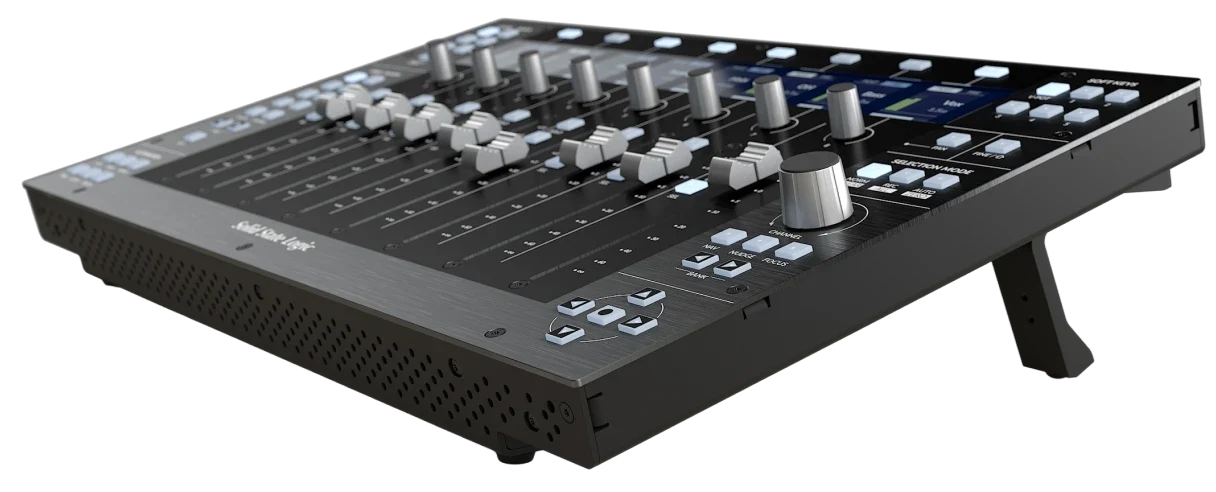
SSL UF8 provides eight motorised faders for balancing tracks and making several adjustments together. That is a different physical workflow from selecting a channel and changing one value with the mouse. Consider how you organise drums, vocals, buses and effects returns in your sessions.
Plan the desk space as carefully as the track count. You still need a comfortable place for your keyboard, mouse and instrument. If the surface moves the screen too far away or blocks another control, its convenience can disappear. Work out where cables will run before choosing a permanent position.
Put EQ and dynamics on dedicated controls.
SSL UC1 is a plugin control surface with dedicated controls for channel processing and bus compression. It is a different tool from a bank of DAW faders. The product information describes integration with SSL 360°-enabled plugins and the SSL 360 Link mapping workflow for third-party plugins.
Look at the plugins you actually use in a typical mix. Dedicated controls are most useful when the mapping makes sense to you and you return to those processors often. Check which licences are included, which software is required and how your preferred plugins fit the control layout.
Choose the repeated task.
If navigation and a focused channel are the priority, start by examining UF1. If you want to ride several levels together, examine UF8. If your main interest is tactile EQ and dynamics control, examine UC1. These are workflow distinctions, rather than a ranking of which device is best.
Hardware/software bundles can change the value of a purchase, but compare their contents with licences you already own. Confirm the exact controller, current software entitlement and compatibility at the retailer. Begin with one change you can clearly describe: a controller should earn its place by making that task easier.