
An audio interface is the connection between your instruments, microphones, speakers and computer. Start by writing down what needs to work at the same time. That simple list is more useful than choosing the largest specification on the page.
Count simultaneous inputs.
A singer with one microphone and one guitar has different needs from someone recording a drum kit. Count the sources you need to capture together, then separate microphone, instrument and line-level connections. A stereo synthesiser uses two audio channels even though it is one instrument.
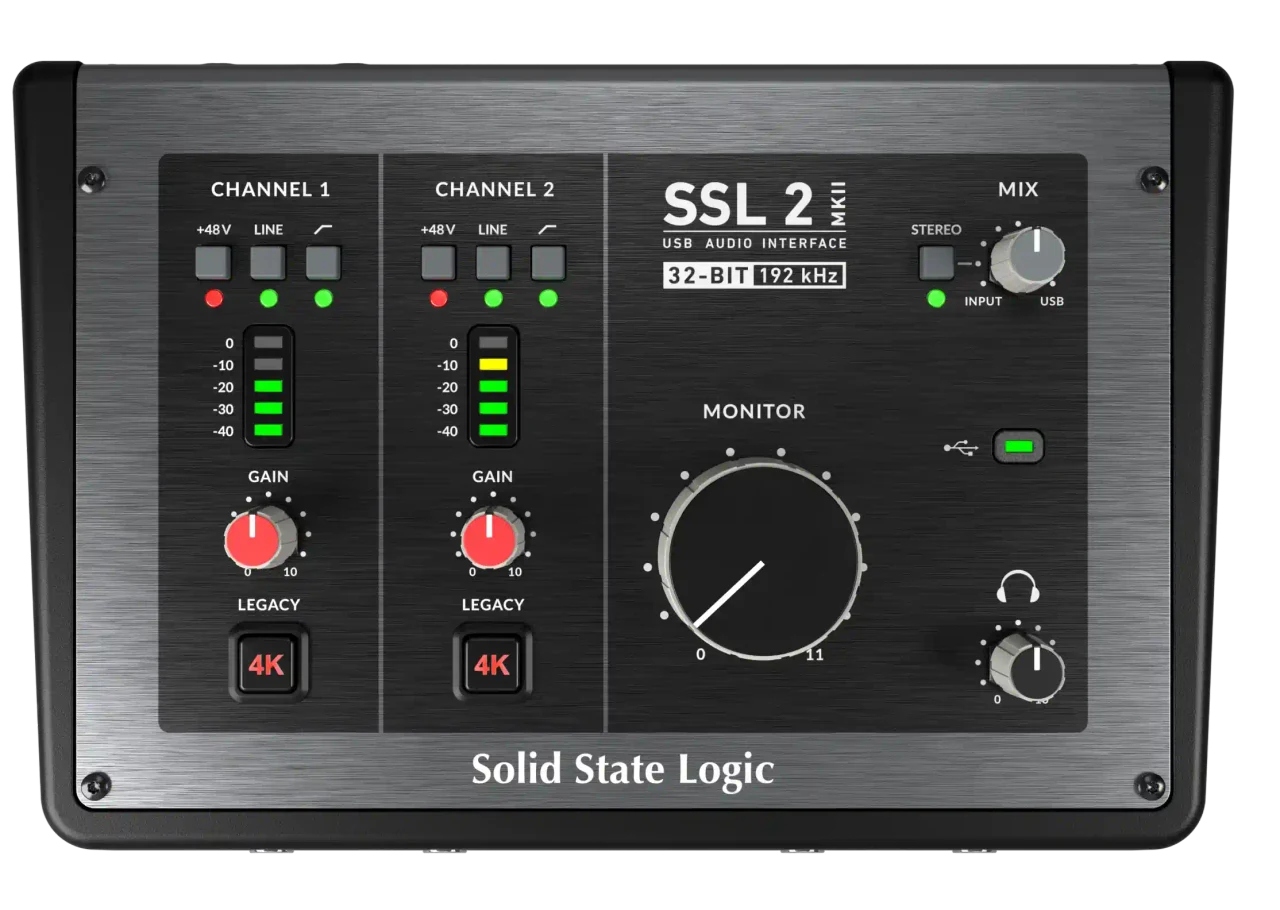
SSL 2 MKII has two microphone/line inputs. That can be a sensible place to begin a small recording setup. It also has two front-panel headphone sockets and balanced monitor outputs. Check the monitoring behaviour as well as the socket count: two headphone connections do not automatically mean two independently routed mixes.
Think beyond the speakers.
SSL 2+ MKII retains a two-input recording layout while providing four balanced outputs. Those extra outputs matter if you want to route audio to another destination or build a more flexible monitoring setup. Decide what you intend to connect before paying for connections that will remain unused.
Draw a simple path from each source to the interface, then from the interface to your speakers, headphones and any external equipment. Remember the cables, adapters and stands that the complete setup needs. Check whether microphones require phantom power and whether an instrument should use a high-impedance input.
Leave room for a bigger session.
SSL 12 is described as a 12-in/8-out desktop interface and integrates with SSL 360° for routing and headphone-mix configuration. Treat the headline count as the start of the investigation: check which channels are analogue, which require digital expansion and which connections are available at your chosen sample rate.
SSL 18 moves to a rackmount format with eight microphone/line inputs and ten line outputs. That makes it a different proposition for a room with several instruments or a larger recording session. A higher channel count also means more decisions about cabling, monitoring and where the interface will physically live.
Check the whole recording chain.
Before ordering, check the manufacturer's current operating-system and driver support, your computer's ports and the supplied cables. Bus-powered and externally powered devices place different demands on a mobile setup. Confirm the exact model and generation, particularly when comparing similarly named interfaces.
Finally, list the jobs your present interface cannot do. If it already records everything you need reliably, a new microphone position, better monitoring or a clearer session template may solve the problem first. Choose an interface because it enables the session you want to record.