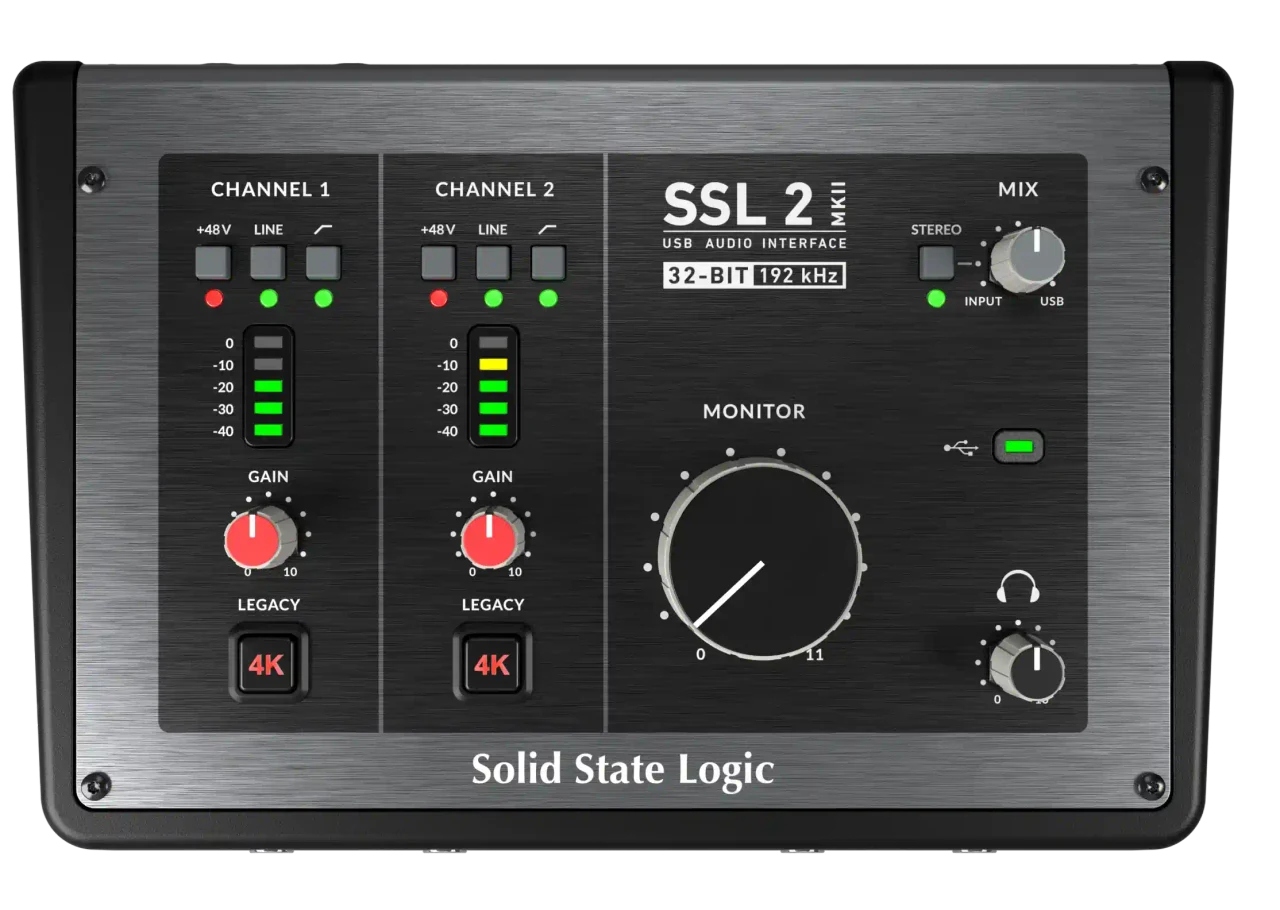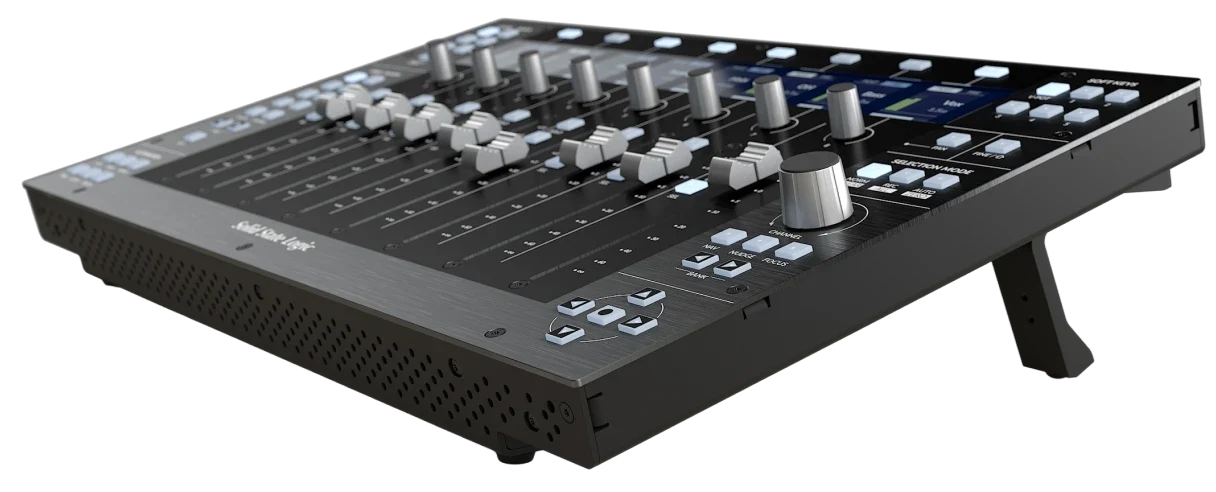


Analogue equipment needs a complete route into and out of the rest of the studio. Start with a drawing: where does the audio come from, what level is it, and where does it return? That diagram will reveal whether the purchase needs more than the processor itself.
A module needs a compatible home.
Products such as the SSL 500-Series E EQ Module and SSL 500-Series Bus Compressor are 500-series modules. They belong in a compatible powered chassis; they are not standalone USB interfaces. Check the chassis specifications, available slots, power requirements and rear-panel audio connections for the exact combination you intend to use.
A module's front panel can look self-contained in a product photo. Make the rack, cabling and any conversion part of your budget. If you do not already own a suitable chassis, compare the total setup with a standalone unit before deciding that the module is the smaller purchase.
Put a channel strip in the right place.
SSL Revival 4000 is an analogue channel strip for a recording path. A channel strip and an audio interface do different jobs: shaping and amplifying an analogue signal does not, by itself, turn it into a recorded track in your computer. Check the precise input, output and gain-staging requirements.
Decide whether you want to commit processing while recording or insert it later. Recording through external processing can make the captured sound part of the decision. Leaving processing until the mix can keep more options open. Neither approach removes the need to set levels carefully.
Give stereo processing two channels.
SSL Fusion is designed for stereo analogue processing, while SSL Bus+ focuses on stereo bus compression. To send a stereo mix out of a DAW and record the result, plan a pair of suitable outputs and a pair of inputs, plus the required cables and routing.
Check how your DAW handles external inserts and round-trip delay. Keep monitoring and return paths clear so you do not accidentally route a return back into its own send. A diagram and a saved routing template make repeatable sessions easier.
Solve the connection before choosing the colour.
List the work you expect the device to do: recording a vocal, processing a subgroup or printing a stereo mix. Then check the processor, chassis if needed, interface I/O and cabling as one system. An appealing front panel is only one part of that system.
Read the exact current product information before ordering, including power, rack format and included accessories. If the existing interface has no spare connections, solve that constraint first. A deliberate signal path gives the new hardware a practical job from its first session.