
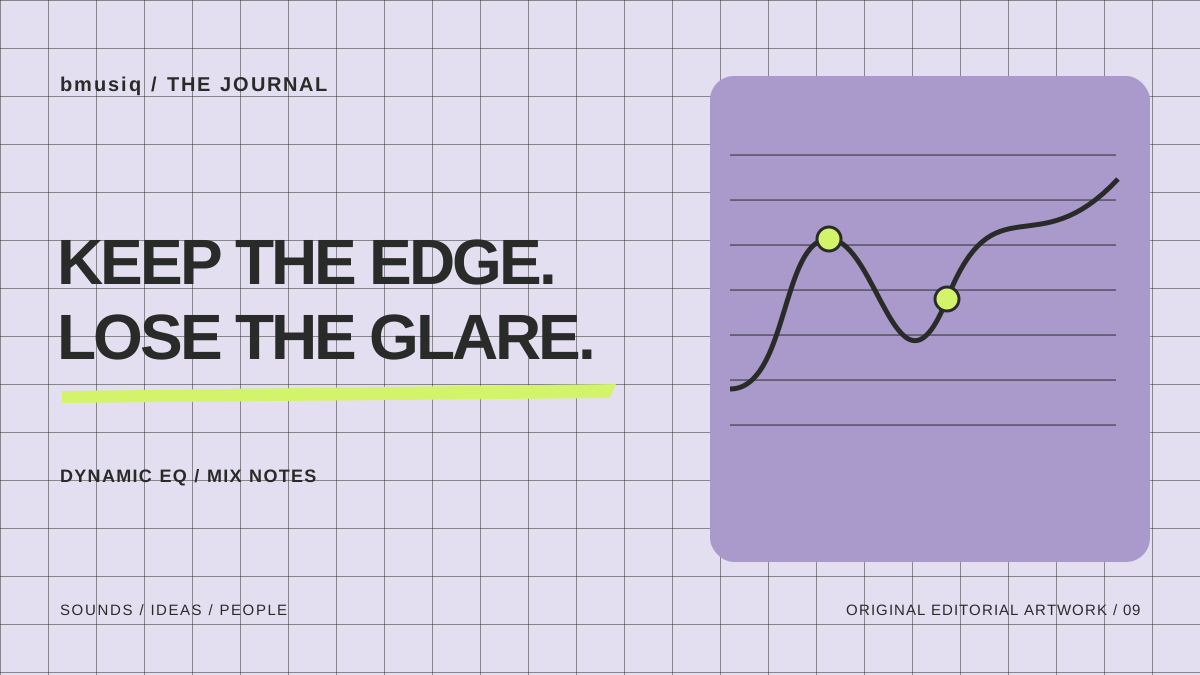
A bright synth can be exciting in one section and tiring in the next. A permanent EQ cut may soften the whole performance when only a few notes need attention. Dynamic EQ is worth exploring here, but first check whether the sound, arrangement or automation can solve the problem more directly.
Hear the problem before drawing a curve
Loop the phrase where the sound becomes uncomfortable, then include the section just before it. Listen with the drums and vocal playing. Is the issue a particular note, a filter movement or the combined energy of several parts?
Try lowering the synth slightly or reducing resonance at the source. If that improves the whole track, keep the simpler solution. An EQ graph should confirm a listening decision rather than supply one.
Compare an ordinary cut first
Make a small static cut around the area you identified, using your DAW’s EQ or a trial of FabFilter Pro-Q 4. Match the output level and compare the quieter passage. If the sound stays convincing throughout, you may already be done.
Pro-Q 4 supports dynamic EQ on bell and shelf bands, plus spectral dynamics and different phase-processing modes. [1] Those are different tools within the product, not interchangeable names for a single automatic fix.
Let treatment follow the troublesome moment
For a phrase that only occasionally becomes harsh, try dynamic treatment on the identified band. Begin gently, observe when reduction happens and listen for a smoother phrase without obvious tonal movement. Use the current manual for the product’s precise controls and trigger options.
Play the transition into the chorus rather than judging an endless two-beat loop. If the synth loses impact as the chorus arrives, the processing may be reacting to exactly the energy you wanted to keep. Reduce the range, adjust the trigger or return to source automation.
Save two level-matched versions: a static cut and the dynamic alternative. Choose the one that needs the least explanation when you play the whole song.
When is a dedicated EQ worth buying?
Consider a dedicated tool when its workflow repeatedly saves you time or gives you control your current setup lacks. Do not buy one because a spectrum display looks sophisticated. Check the current supported formats, operating systems and licence options before installing a trial.
If your problem is two parts competing rather than one part becoming harsh, read about Trackspacer as a different sidechain-based approach. For broader choices, use our effects shortlist, then check Pro-Q 4 at Plugin Boutique when you have a clear reason to audition it.
Sources & checks
Researched 26 October 2026. Product features and availability can change. Suggested exercises are bmusiq editorial guidance; no hands-on test or artist endorsement is claimed.